How to use KAIRO
Everything below works today unless the status page marks it pending. Follow the steps in order the first time; afterwards each part stands on its own.
1.Request an invoice or payment link
Tell us what you need on the contact page or pick a package on pricing. We send back a payment link with the amount, currency and what it covers. The link is unique to you and never expires silently — it shows its own status.
2.Pay it
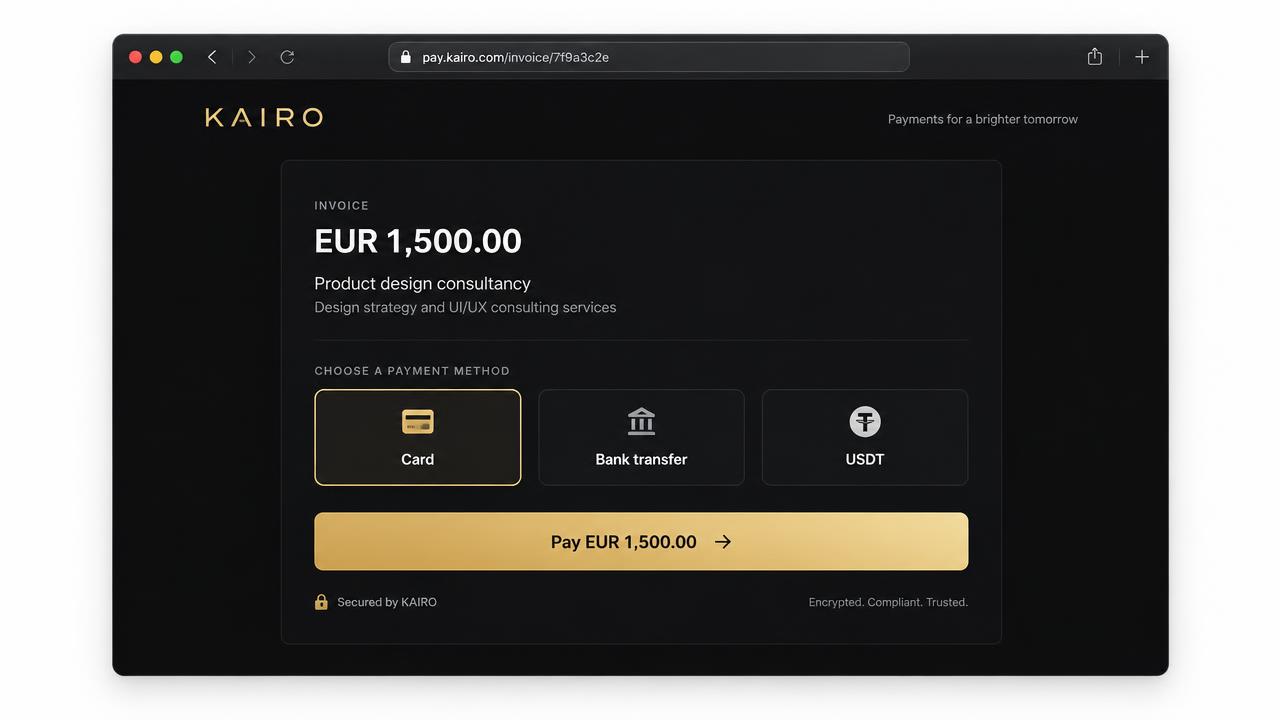
- Card — enter the card on the page; the result is immediate.
- Bank transfer (EUR / SEPA) — the page shows the account details and a reference. Always include the reference; it is how the payment is matched.
- USDT (TRC-20 on TRON) — send the exact amount to the address shown. Only TRON TRC-20; a transfer on another network cannot be recovered.
3.Get and verify your receipt
Once the payment settles, the same link offers a receipt PDF. It carries the payment reference and, for USDT, the on-chain transaction ID so you can check it yourself on TronScan. Keep the link — it is the permanent record.
4.Enrol in the academy and collect your credential
5.Check a partner school (diplomas and degrees)
KGF Builds is the registry and verification platform, not a school. Diplomas and degrees are conferred by a verified partner institution under its own awarding powers. Each school has a public record showing its registration number, accreditor, accreditation expiry and authorisation status — open it from institutions. If a school is not marked verified, awards above certificate level cannot be issued in its name.
6.Hold KAIR safely
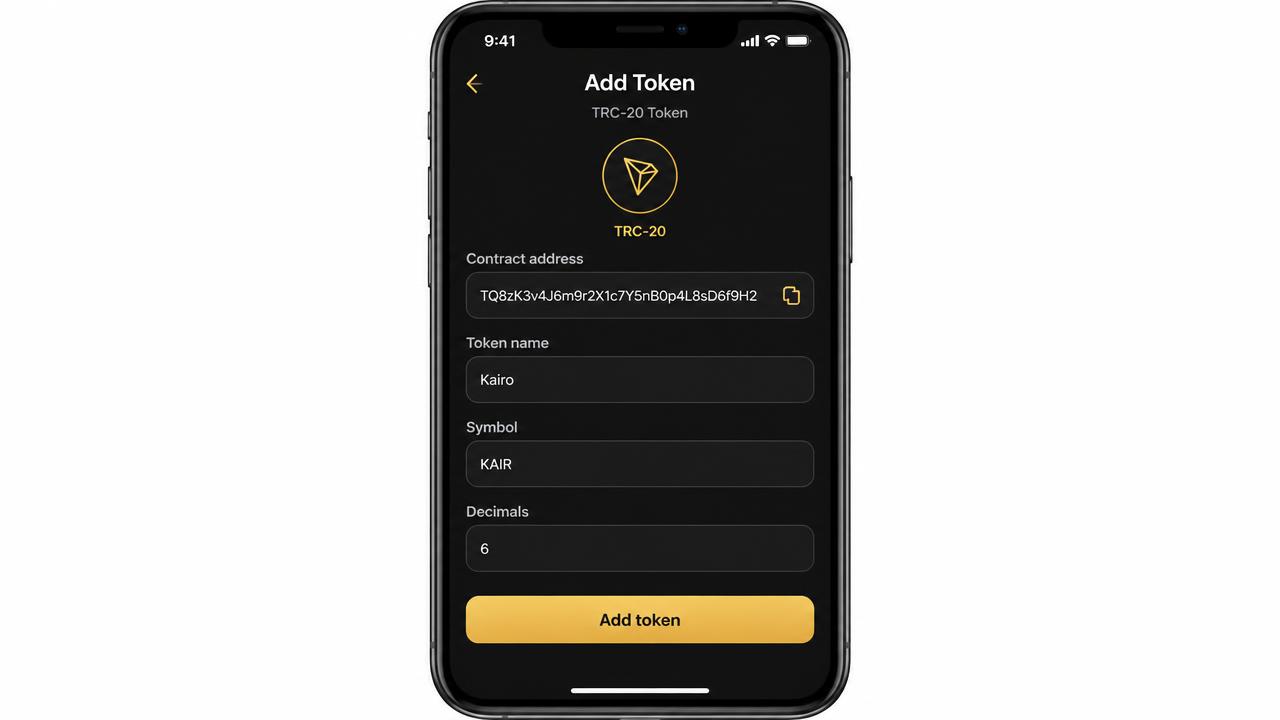
KAIR is our TRC-20 loyalty token on TRON. Check the token page first: if it says the contract is not deployed, there is no KAIR to buy and any offer is a scam. Once live, add the token by the contract address taken only from that page or from TronScan, and confirm your wallet shows name Kairo, symbol KAIR, decimals 6. The full walkthrough is in the KAIR guide.
Troubleshooting
- My payment still says pending
- Card results are instant; bank transfers take up to one business day and only match if you included the reference. USDT needs network confirmations. If it is still pending after a day, send us the payment link and, for USDT, the transaction ID.
- The receipt PDF will not open
- Download it rather than previewing it inside a chat app, then open it in a normal PDF reader. If it still fails, reload the payment link and try again — the file is generated fresh each time.
- My credential reference says not found
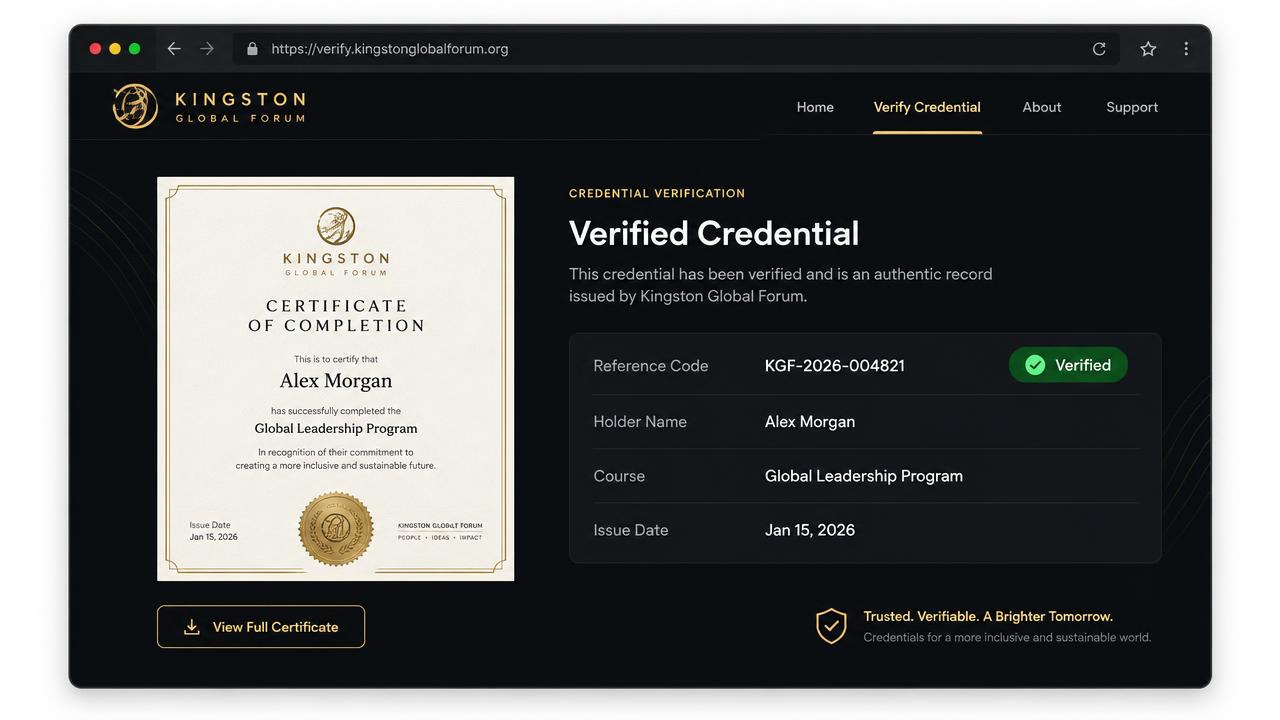
- Check for confusion between 0 and O, and 1 and l. References are exact. If it is correct and still missing, it has not been issued yet — ask your instructor or contact us.
- A school shows as certificate-only
- That school has not finished the awarding-body checklist (registration, accreditation, awarding powers, signatory, authorisation letter). Until it does, we will not render a degree in its name.
- My wallet shows no KAIR
- Confirm the contract is live on the token page, that you are on TRON mainnet, and that you added the exact address. You also need a small amount of TRX for network fees.
- My promo or referral link is not tracking
- Open the link with the ?ref= part intact and do not strip the query. Private browsing and aggressive tracking blockers prevent attribution.
Still stuck? Contact the team with the link or reference and we will answer with the exact next step.